
Today´s article is about Remote Work Tools Every Traveler Needs to Stay on the Top of The Game While Exploring the World.
These remote work 10 remote work solutions include everything from communication platforms, and cloud storage apps to cybersecurity and project management tools that ensure the seamless management of tasks for digital nomads.
These tools make remote collaboration easier and more productive in 2026 whether at cafés, airports or coworking spaces.
Key Points & Remote Work Tools Every Traveler Needs
| Remote Work Tool | Word Explanation |
|---|---|
| Slack | Enables instant team communication, file sharing, and organized collaboration while traveling remotely. |
| Zoom | Provides reliable video meetings, webinars, and screen sharing from anywhere globally today. |
| Trello | Organizes travel work tasks visually using boards, cards, deadlines, and collaboration features. |
| Notion | Combines note-taking, project management, databases, and planning for digital nomads efficiently worldwide. |
| Google Drive | Stores important files securely online with easy sharing and synchronization across devices. |
| Dropbox | Offers cloud storage, automatic backups, and quick document access while constantly traveling internationally. |
| Asana | Helps remote travelers track projects, assign tasks, and manage productivity efficiently daily. |
| NordVPN | Protects sensitive work data using encrypted internet connections during public WiFi usage abroad. |
| Canva | Creates professional graphics, presentations, and social media designs quickly without advanced design skills. |
| Grammarly | Improves writing quality by correcting grammar, spelling, tone, and clarity mistakes instantly online. |
| Clockify | Tracks working hours, productivity, and billable time for freelancers traveling full-time worldwide efficiently. |
| LastPass | Securely stores passwords and login details across devices for stress-free remote working everywhere. |
12 Remote Work Tools Every Traveler Needs
1. Slack
In 2026, Slack is still one of the best remote collaboration tools for travelers. Its newest AI-powered upgrades to the Slackbot now schedule meetings, summarize conversations, and organize workflows more quickly.
Why Digital Nomads Love this Tool: Slack is digital nomads’ best friend because it connects with tools such as Google Drive, Asana or Zoom, creating one workspace anywhere around the globe.

Travelers employed across multiple time zones can avoid emailing while flying, being in a hotel, or having an international coworking session by working through customizable channels, voice huddles, and mobile notifications.
Slack Features
| Feature | Explanation |
|---|---|
| AI-Powered Summaries | Automatically summarizes conversations, reducing time spent reading long discussion threads daily. |
| Voice Huddles | Enables quick audio meetings without scheduling formal video conferences during travel schedules. |
| Multi-App Integrations | Connects seamlessly with Zoom, Google Drive, Asana, and productivity workflow applications globally. |
| Custom Channels | Organizes remote teams efficiently using topic-based communication channels for better collaboration worldwide. |
2. Zoom
2026 (Zoom has gone from a video-calling app to a whole AI-Powered productivity platform). Its new AI Companion 3.0 can provide meeting notes automatically, create presentations, workflows, and schedule follow-up tasks.

For professionals who need to attend meetings from an airport, café or hotel, Zoom’s voice translation and AI avatar technology will help travelers tremendously.
The platform is now deeply integrated with workplace apps such as Slack, Gmail, and Asana for a seamless remote working experience that facilitates international clients daily for digital nomads.
Zoom Features
| Feature | Explanation |
|---|---|
| AI Companion 3.0 | Generates meeting summaries, presentations, and task reminders automatically after virtual conferences finish. |
| Voice Translation | Translates conversations instantly, helping travelers communicate effectively with international remote clients globally. |
| AI Avatars | Allows professionals attending meetings virtually using intelligent avatars during busy travel situations abroad. |
| Cross-Platform Integration | Works smoothly with Slack, Gmail, Asana, and collaborative workplace productivity applications everywhere. |
3. Trello
Trello is the king of visual project management because it simple, flexible and remote traveller friendly.
Freelancers and digital nomads will also be able to organize their tasks by using drag-and-drop boards, travel schedules, deadlines & collaboration cards from any device.

Trello’s automation tools will enable travelers to minimize repetitive work with AI-assisted reminders and workflow instigation in 2026.
Its mobile-friendly interface works offline, which is helpful for tracking tasks reliably while traveling in foreign locales with spotty internet service.
Trello enables clean design (useful for travelers on the go with many projects to juggle) this allows you to continue to stay productive in or out of the office, without managing overly complicated dashboards or enterprise-style management systems.
Trello Features
| Feature | Explanation |
|---|---|
| Drag-and-Drop Boards | Simplifies project management visually using interactive task cards and workflow organization systems. |
| Automation Tools | Reduces repetitive tasks through AI reminders, automated updates, and workflow trigger features. |
| Offline Mobile Access | Allows travelers managing projects without stable internet during flights or remote destinations. |
| Simple User Interface | Provides clean dashboards without overwhelming users managing multiple international work assignments simultaneously. |
4. Notion
Notion is really a forever new workplace for remote workers travelling international. A customizable dashboard that brings together notes, travel plans, databases, calendars and team collaboration into one.
Notion AI can now summarize documents, generate content ideas and organize research automatically, saving travellers hours of work by 2026.
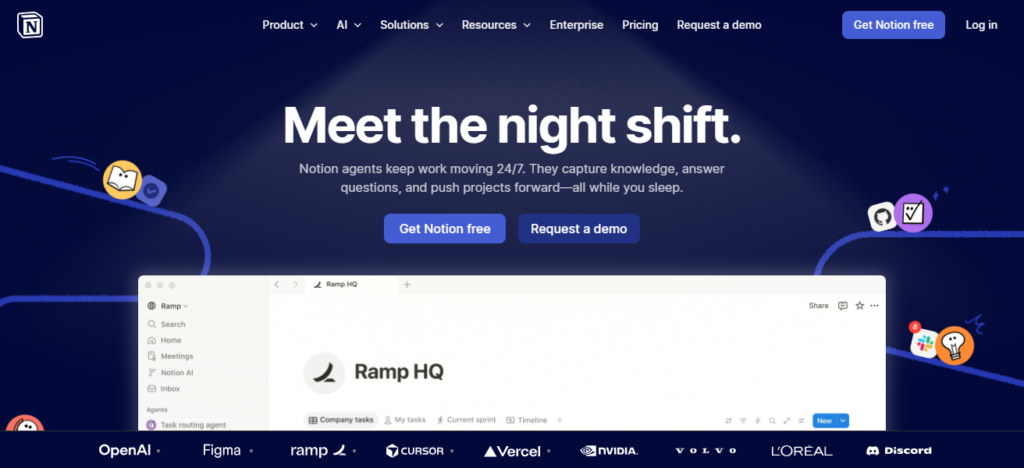
With minimal design and synchronized access on cloud across laptops and smartphones, it is particularly loved by remote workers.
Freelance clients, content calendars and travel routes long into the future can all be handled with Notion — modern day digital nomads lean on this flexibility every day.
Notion Features
| Feature | Explanation |
|---|---|
| All-in-One Workspace | Combines notes, databases, calendars, and collaboration tools within one centralized digital platform. |
| Notion AI | Generates summaries, organizes research, and creates content ideas automatically for busy professionals. |
| Cross-Device Synchronization | Syncs work instantly across laptops, tablets, and smartphones for seamless remote productivity globally. |
| Custom Dashboards | Allows travelers designing personalized workspaces matching freelance, business, or content creation needs. |
5. Google Drive
For travellers who need a trusted cloud storage solution (and the ability to instantly share and edit documents anywhere in the world), Google Drive is still a must-have.
Remote teams can now collaboratively edit spreadsheets, presentations, and documents without the constantly repeated downloading of files.
The offline feature becomes a blessing for travellers who are working during the flight or in low-network situations. Looking through the headlines, Google last week improved its

AI-powered search tools to make accessing documents a bit speedier for our busy remote professional jobs.
Integration with Gmail, Google Meet, and Android devices creates a fluid ecosystem that helps digital nomads reach business files without hassle while on the road in hotels, coworking spaces, or international cafés.
Google Drive Features
| Feature | Explanation |
|---|---|
| Secure Cloud Storage | Stores important business documents safely with encrypted online backup protection worldwide securely. |
| Real-Time Collaboration | Enables teams editing spreadsheets, documents, and presentations simultaneously from different locations remotely. |
| Offline Mode | Allows document access and editing without internet during flights or weak network conditions. |
| AI-Powered Search | Finds files faster using intelligent search tools and automated document organization capabilities efficiently. |
6. Dropbox
Dropbox is still going strong for digital nomads and other remote travelers, as it provides reliable cloud storage, automatic backups, and large-file sharing.
Creative professionals internationally choose Dropbox — mainly, because they often work with heavy media files that Dropbox usually transfers faster than many of its competitors.
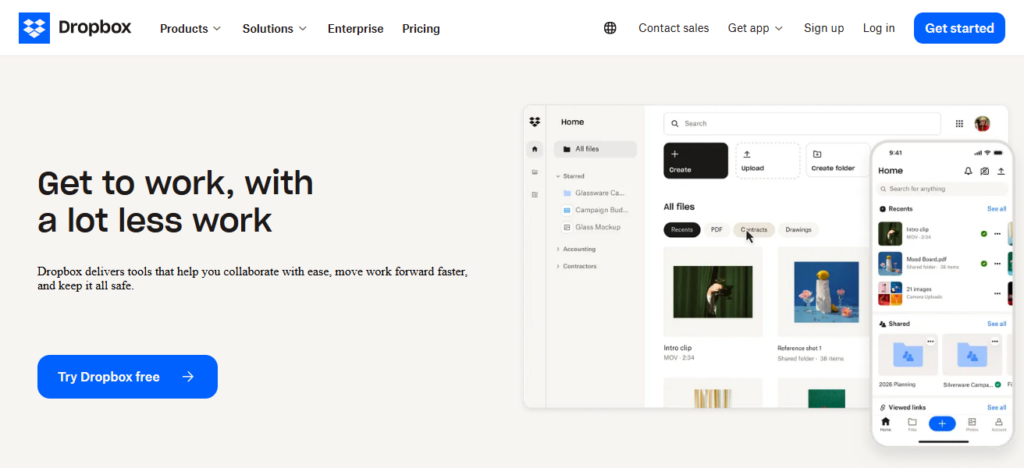
In 2026, Dropbox optimised smart syncing and the organisation of documents with artificial intelligence technology, saving storage space on devices with limited capacity.
Remote workers love Dropbox for how it safeguards vital business documents from laptop burglaries, inadvertent deletions and failed hardware on those overwhelming voyages.
It providing a secure solution also facilitate easy collaboration with global clients and remote creative teams.
| Feature | Explanation |
|---|---|
| Large File Sharing | Transfers heavy videos, media projects, and design files quickly across remote teams internationally. |
| Smart Sync Technology | Saves device storage by accessing files online without downloading unnecessary documents locally. |
| Automatic Backup | Protects critical work files from accidental deletion, hardware damage, or device theft incidents. |
| Secure Collaboration | Shares files safely using encrypted permissions and controlled access settings for clients globally. |
7. Asana
Asana continues to be one of the most popular project management applications for remote teams and digital nomads, with multiple projects going on at once.
Travelers can create workflows, track deadlines, and assign people to tasks with customizable project boards and automation tools.
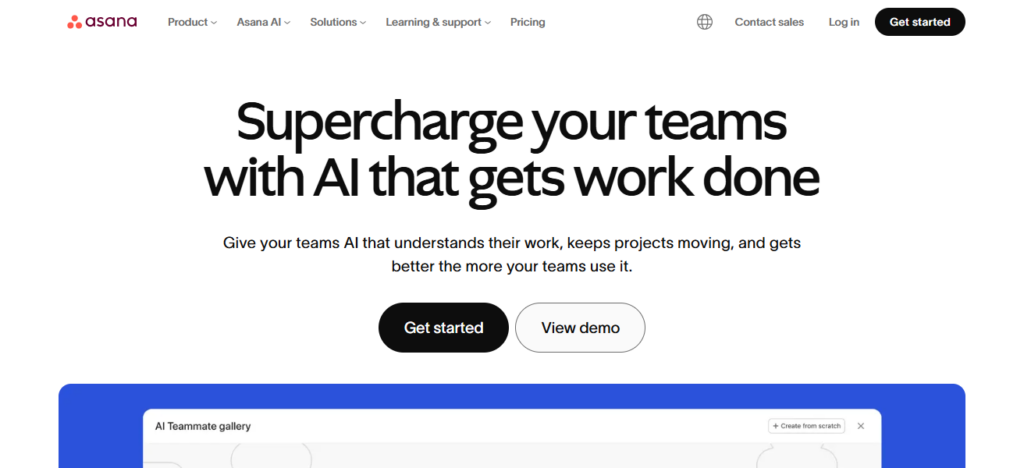
AI updates in recent times are now also used to produce summaries of tasks and advice on how to include them efficiently into workflows to help improve productivity (more useful for freelancers, start ups).
If you work in distributed locations by nature, then Asana’s mobile-friendly interface is a game-changer, allowing you to shift from Toronto airport to Dubai coworking space between flights and accommodation shuffles.
And, its collaboration withSlack, Zoom and Google Workspace completes a strong global-based ecosystem of remote working.
| Feature | Explanation |
|---|---|
| Workflow Automation | Automates recurring tasks, improving productivity for freelancers and remote business professionals globally. |
| Project Tracking | Monitors assignments, deadlines, and project progress using organized management dashboards effectively daily. |
| AI Recommendations | Suggests workflow improvements and generates summaries for better remote team productivity management. |
| Mobile-Friendly Interface | Allows quick project updates while traveling between airports, hotels, and coworking spaces internationally. |
8. NordVPN
When 2026 came around, NordVPN had established itself as one of the essential cybersecurity necessities for traveling remote workers.
VPNs are extremely important when using the public WiFi network such as airports, cafe and hotel.
Information data still being less regarded is NordVPN which encrypts its internet traffic, secures sensitive client data and protects banking activity while travelling abroad.
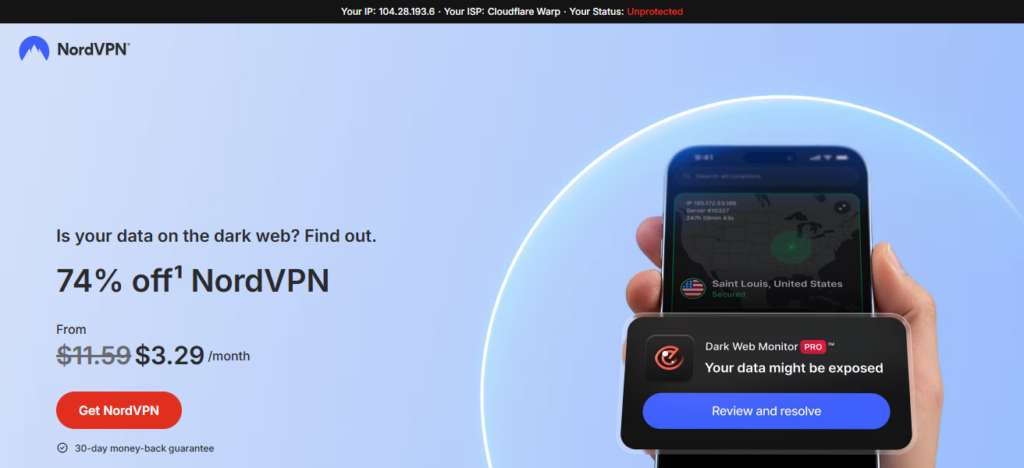
Its newest Threat Protection features now automate blocking of malware, trackers and dangerous sites.
NordVPN is also used by remote workers enjoying stable internet privacy while in countries with limited online freedom or concerns about government surveillance accessing region-locked content
| Feature | Explanation |
|---|---|
| Internet Encryption | Secures online activity and sensitive client data using advanced encrypted connections worldwide safely. |
| Threat Protection | Blocks malware, phishing websites, trackers, and dangerous downloads automatically during internet browsing sessions. |
| Public WiFi Security | Protects travelers using unsecured airport, café, and hotel internet networks internationally every day. |
| Global Server Access | Accesses region-restricted content securely through servers located across multiple countries worldwide instantly. |
9. Canva
Canva has grown up to be much more than just a graphic design platform, and its suite of AI content creation tools will become necessary as remote professionals everywhere search for solutions.
So anyone on the go can put together a short presentation, social media graphics, videos and branded marketing materials from their phones or a computer.

With Canva’s Magic Studio AI features in 2026, designs, text re-writes and visual editing are accomplished within seconds — saving creators incalculable time.
Canva is especially popular among freelancers, bloggers and remote marketers as it allows you to do creative work to a professional standard from nearly anywhere in the world without requiring costly software.
| Feature | Explanation |
|---|---|
| Grammar Correction | Detects spelling, punctuation, and grammar mistakes instantly across professional writing platforms online. |
| Tone Improvement | Enhances communication clarity and adjusts writing tone for better audience engagement professionally. |
| AI Writing Assistant | Rewrites sentences and generates polished content ideas faster for remote professionals worldwide. |
| Multilingual Support | Helps travelers communicate accurately while working with global clients and international remote teams. |
10. Grammarly
It is Grammarly which helps remote travelers communicate professionally with clients, teams and audiences around the world.
Its powerful new AI writing assistant not only corrects grammar but also helps improve tone, clarity and readability in emails, reports and social media content.
The real-time suggestions and communication enhancements that are inherent in Grammarly prove significant for travelers who work in multilingual environments.
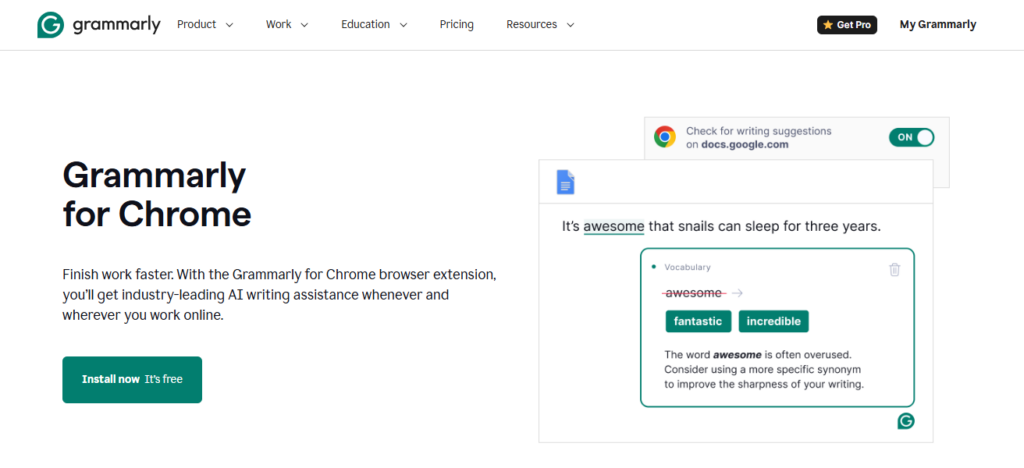
Grammarly introduced generative AI features in 2026 that speed up content rewriting and maintain cohesive professional messaging.
Grammarly has become an essential tool for freelancers, content creators and remote workers to mitigate communication errors while navigating overseas labor markets online.
11. Clockify
Clockify | Time Tracking Software has been a key productivity tool for freelancers and remote workers with the full-time nomadic lifestyle.
This keeps a check on billable hours, productivity, and creates professional timesheets for overseas clients.
This is particularly no-nonsense and appealing to digital nomads — using multiple time zones can quickly turn into unwieldy carnage
Though We launched new reporting features, which allowed us to measure project profitability & such developments improved remote professionals in income management.
Clockify integrates with tools such as Trello, Asana, and Notion, which helps travelers also juggle any freelance work alongside their travels
To keep a tighter workflow between timetables in various continents with projects at mission-wide clock points fixed based on proximity of clients.
| Feature | Explanation |
|---|---|
| Time Tracking | Records working hours accurately for freelancers managing international projects and client billing efficiently. |
| Productivity Reports | Generates detailed performance reports helping remote workers improve workflow and time management skills. |
| Project Profitability Insights | Analyzes earnings and project expenses for smarter freelance business decision-making strategies globally. |
| Integration Support | Connects smoothly with Trello, Asana, and Notion for streamlined remote productivity management systems. |
12. LastPass
Whereas A remote worker continuously accesses banking apps, cloud storage, collaboration tools, and client portals for the first time on international travel; All increasing cybersecurity risks.
LastPass is a tool that stores strong encrypted passwords, fills in your login details for you automatically, and creates strong passwords. 2026
It is made even safer online for digital nomads travelling abroad and exposing themselves to public networks, thanks to major advances in security improvements and multi-device authentication tools!
LastPass Traveling is a pro against constant international movement and log-ins with sensitive work information booted up constantly.
| Feature | Explanation |
|---|---|
| Password Management | Stores passwords securely using encrypted vaults accessible across multiple devices worldwide safely. |
| Autofill Login Feature | Automatically fills login credentials, saving time during frequent remote work account access. |
| Password Generator | Creates strong passwords protecting sensitive business accounts from cyber threats and hacking attempts. |
| Multi-Device Authentication | Adds extra security layers when accessing accounts using public internet networks internationally abroad. |
Conclusion
Conclusion With the rise of modern world travel & work these remote work tools, you need to manage your business from horrifying across the global.
Slack, Zoom and Notion — Collaboration is better handled with platforms that are quite efficient in their interaction, productivity or collaboration capacity.
These tools include everything from cloud storage to cybersecurity, which keep digital nomads organized, secure and productive while traveling internationally. The right tools make working remotely lifestyles a lot easier in 2026.
FAQ
Why do travelers need remote work tools?
Remote work tools help travelers manage communication, productivity, security, and collaboration while working globally.
Which remote work tool is best for team communication?
This widely considered one of the best communication platforms for remote teams.
Is Zoom useful for digital nomads?
Yes, Zoom helps travelers attend meetings, webinars, and virtual conferences from anywhere.
What is the best project management tool for travelers?
Trello and Asanaare excellent for organizing tasks and deadlines remotely.